
Open it. Make it yours.
One page.
A useful starting point.
Five sections for a clear introduction, services, approach, service area and contact.
ZIP download with editable HTML/CSS, settings, original illustration and step-by-step instructions. No enquiry is submitted when you download.
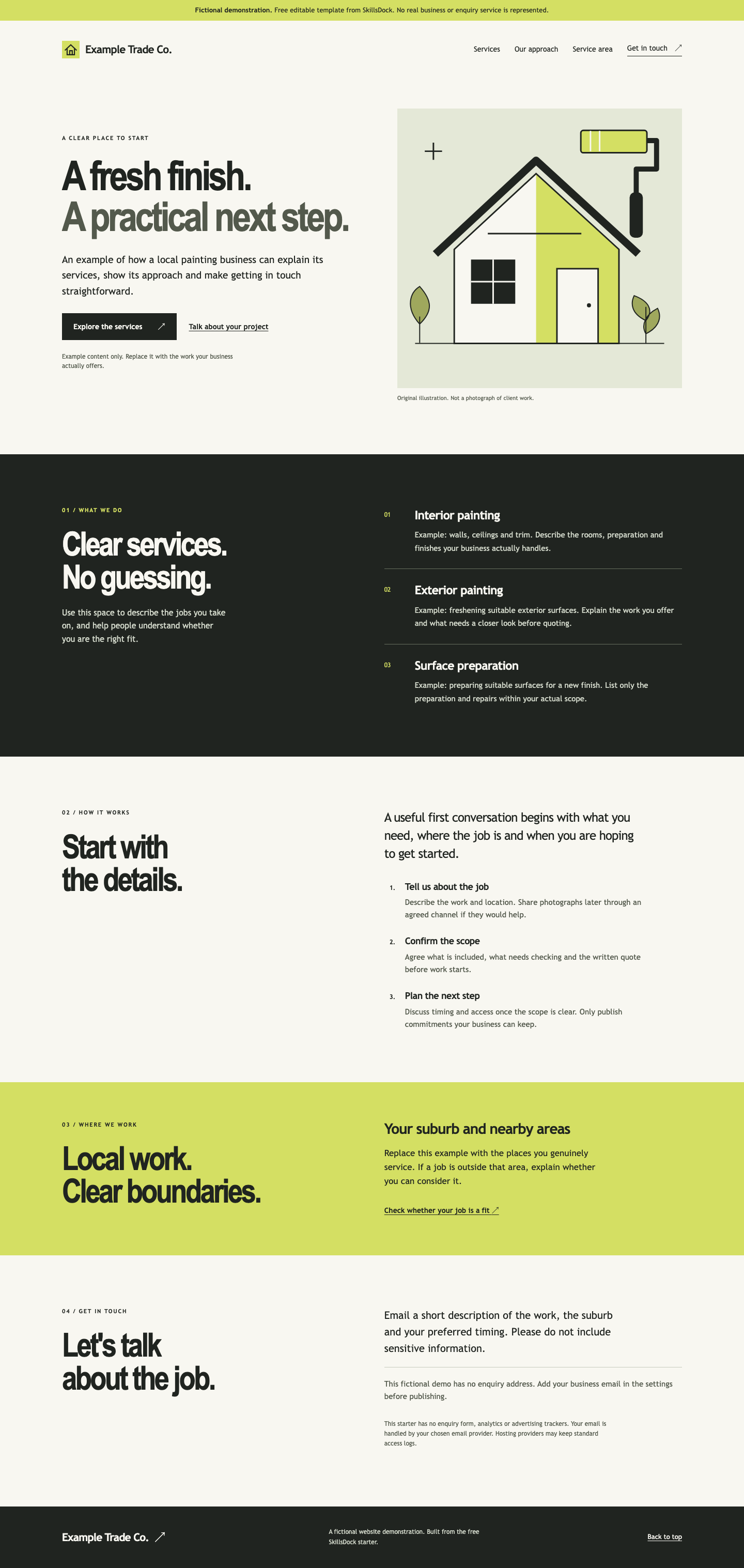
What is in the download
Enough to build on. Clear about the limits.
You receive
- A responsive one-page website template with five sections.
- Editable settings and the original HTML, CSS, JavaScript and SVG files.
- A generic original illustration and house mark you can adapt.
- Keyboard focus, a skip link and reduced-motion support.
- Instructions, a handover checklist and permission to reuse the included files.
You arrange
- Your actual business copy, service area and contact details.
- Any domain and hosting you choose, with their separate costs.
- Your own accurate business and legal information.
- Any forms, CRM, booking, analytics, SEO or ad setup you later add.
This download is a reusable template. It is not a done-for-you build or hosting subscription.
How it works
From download to your version.
A clear scope, useful work and a tested handover.
Open the folder
Extract the ZIP and open index.html in your browser. Keep the files together; no installation or account is needed.
Replace the examples
Follow the included README to edit your business, services, area and real email. Keep the demo label until all example content has been replaced.
Check before publishing
Review the copy, mobile layout, keyboard links, metadata and contact details. The demo email action stays disabled until you configure it correctly.
Choose your host
Upload the finished files to a static website host of your choice. You do not need a HighLevel account or SkillsDock hosting.
How contact works
A simple email link.
You control the address.
When configured with your real address, the contact action opens the visitor’s email app. It does not submit a form through the website. The visitor still needs to send the message.
The sample contact action is deliberately disabled. No analytics, advertising tracking, customer database, booking system or payment system is included.
The package, explained.
Is the download really free?
Yes. The included template files are free to use and adapt under the reuse permission in the ZIP. No purchase, positive review, marketing sign-up or sales call is required.
Do I own a live website after downloading?
You receive files you can edit and publish. You need to replace the examples and arrange a domain or hosting if you want the page online. Those services are not included.
Can I use it commercially or for a client?
The included permission allows personal and commercial use of the original template files, including client websites. Attribution to SkillsDock is optional. It does not grant rights to other businesses’ logos or photos you add.
Is this the same as the free homepage preview?
No. The download is a reusable do-it-yourself template. The free private homepage preview is a separate application for a personalised concept after fit and capacity review.
Can SkillsDock help adapt or publish it?
Yes, you can ask for a separate written scope and price. You can also edit and host the template independently, with no obligation to use SkillsDock.
Start with the files
Take the useful bit.
Build from there.
Download the template and use the included instructions. If you want a personalised direction first, the private homepage preview is a separate optional starting point.